
How to use the percentage change calculator
- Original value: The positive baseline before the change.
- New value: The value after the change.
- Select Calculate to see the result. Change any input and calculate again to compare.
Worked example
A change from 100 to 125 is a 25% increase.
Formula and assumptions
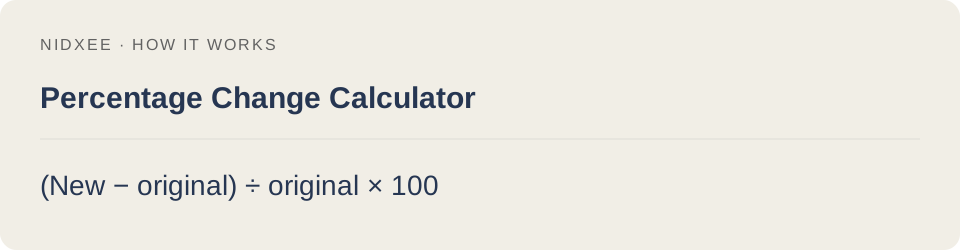
(New − original) ÷ original × 100.
The original value must be positive for an unambiguous relative change. This is different from percentage-point change.
Common questions
Why might my result differ from another estimate?
The original value must be positive for an unambiguous relative change. This is different from percentage-point change. Keep the same inputs and rounding when comparing tools.
Are my entries saved?
No. Calculations run on your device. Reloading or closing this page may clear your entries.