
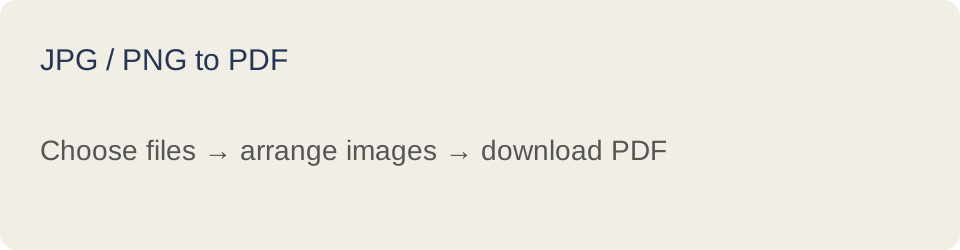
How it works
- Choose your JPG or PNG images. Files are processed locally.
- Use Up and Down to set file order. Remove any unwanted files.
- Select Create PDF, then Download PDF. Inspect the downloaded document before using it.
What to expect
Each image is fitted within an A4 page with margins. Page orientation follows the image aspect ratio.
Maximum 50 files, 50 MB combined and 500 PDF pages. Password-protected and interactive form PDFs are unsupported. Do not use digitally signed originals: editing invalidates signatures. Bookmarks, attachments, document-level links and metadata may not carry over when copying pages. Keep your original files.
Are my files uploaded?
No. The bundled PDF library runs on your device. Refreshing the page clears the selected files and download link.