Free browser-based invoice
Fill in the invoice, then use Print / Save PDF. Your entries stay in your browser in this launch version; NidXee does not store invoice data.

Create a simple invoice without creating an account.
| Item | Qty | Price | Total | |
|---|---|---|---|---|
| $100.00 |
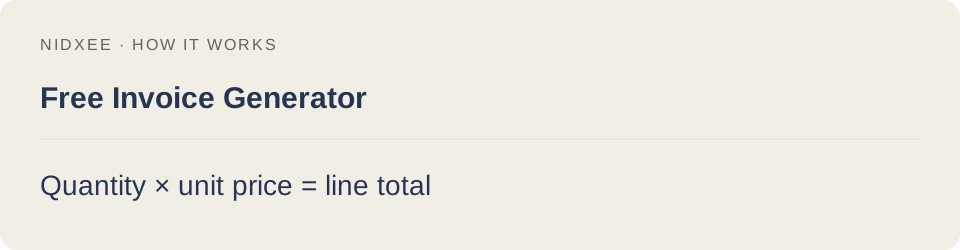
Tax and discount are each calculated on the subtotal. Check the tax treatment required for your invoice.
For a clean invoice: in the print dialog, open More settings and turn off Headers and footers. This removes the date, page title, file address and page numbers added by your browser. Select Save as PDF as the destination.
Fill in the invoice, then use Print / Save PDF. Your entries stay in your browser in this launch version; NidXee does not store invoice data.